![OFS_Circle.png]](https://support.ofsystems.com/hs-fs/hubfs/OFS_Circle.png?height=45&name=OFS_Circle.png)
What you'll build
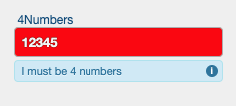
A field, e.g. 4Numbers, that only validates when the input is exactly 4 digits.
| Input | Valid? |
|---|---|
1234 |
Yes |
12 |
No |
abcd |
No |
12345 |
No |
We want to mark a form as valid only if the input is exactly 4 digits
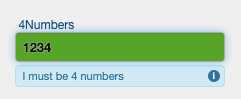
Any other input should be marked as invalid.
Step 1 — Add the valid regex rule
Under the Field Validation Rules tab for your field, mark form as Valid without message when:
data["4Numbers"]=~"^[0-9]{4}$"
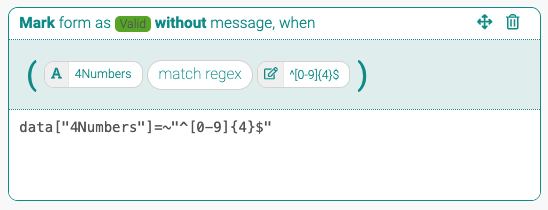
This regex checks that:
-
^the input starts... -
[0-9]{4}...with exactly 4 digits -
$ends there (no extra characters)
Step 2 — Add the catch-all invalid rule
Add an "Otherwise" condition to catch anything that doesn't match and mark it invalid:
1==1
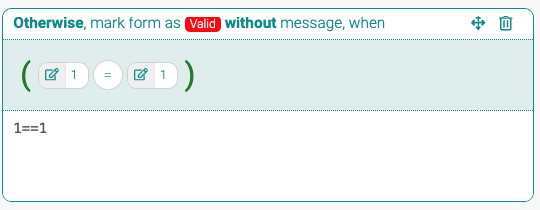
This always evaluates as true, meaning any unmatched input is invalid by default.