![OFS_Circle.png]](https://support.ofsystems.com/hs-fs/hubfs/OFS_Circle.png?height=45&name=OFS_Circle.png)
OFS Analytics uses a wide range of metrics to give you a comprehensive picture of your data. The Help function gives you a full list of definitions for whichever metrics are in front of you.
Step 1 - Open the Help panel
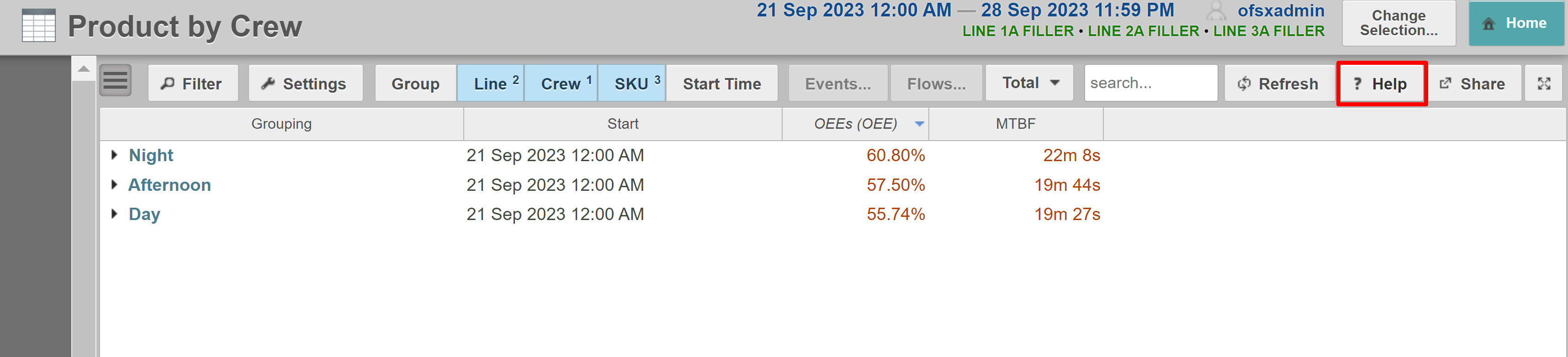
Click Help within any Analytics report.
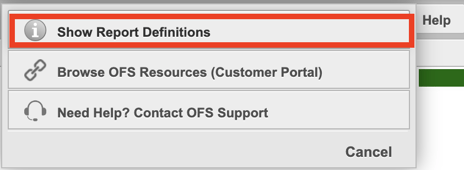
Step 2 - Click Show Report Definitions.
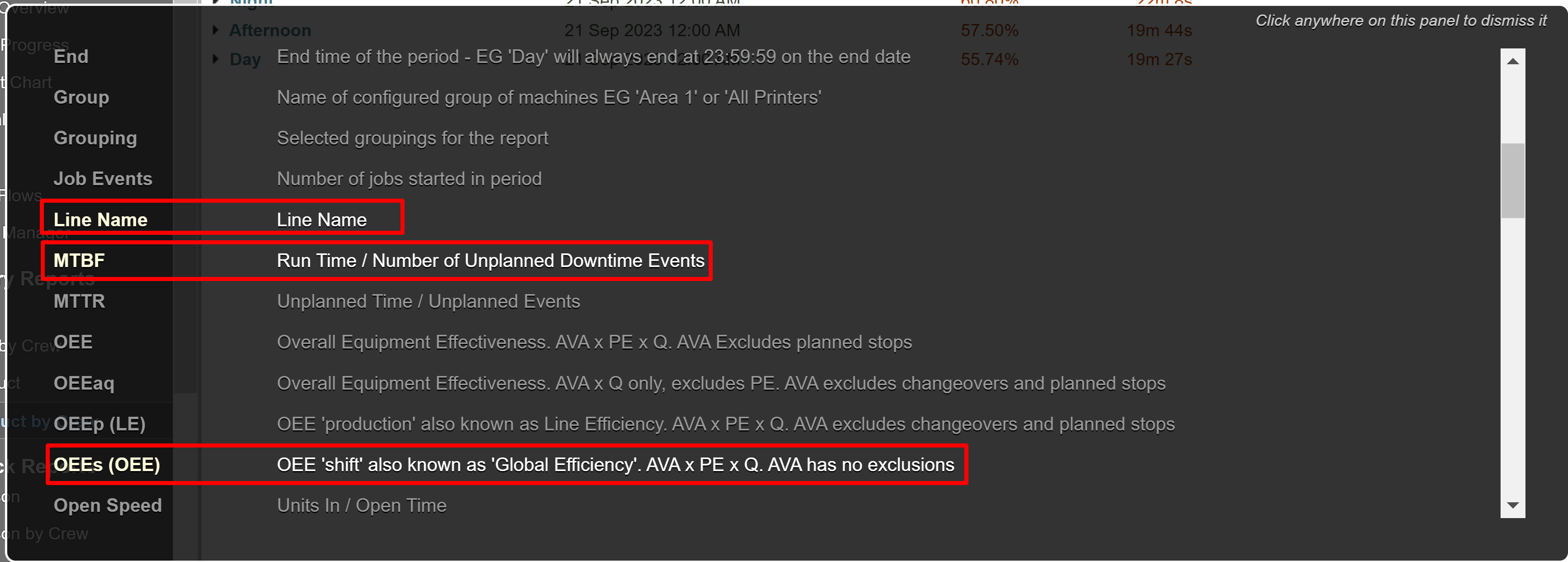
The list that appears is limited to the metrics currently used in your report.