![OFS_Circle.png]](https://support.ofsystems.com/hs-fs/hubfs/OFS_Circle.png?height=45&name=OFS_Circle.png)
In OFS-Flow, you can toggle Hide from Event Chart in an alert configuration's General settings. Switching this on significantly changes how the form interacts with both the operator and the system.
What happens when it's on
- Events Chart visibility — the Flow form and its associated data spans are completely hidden from the Events Chart.
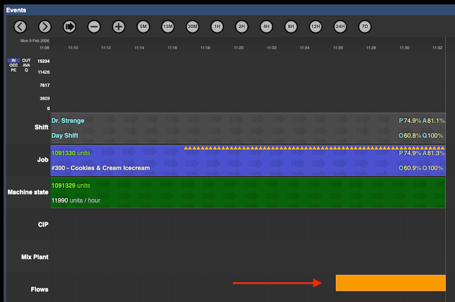
-
Manual trigger — operators can't manually raise the form from the console. It won't appear in the search results when clicking the + button to start an ad-hoc form.
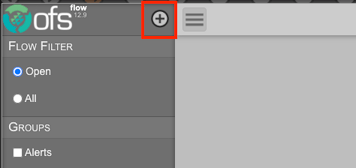
- Console interaction — even if the form is triggered automatically by a system event (like a Job Start or a machine state change), it won't appear on the operator console for completion.
- Data availability — the data stays available for reporting and auditing in OFS Analytics, even though it's hidden from the live operational interface.
When to use it
Use this toggle for "silent" data collection or background alerts — where you want the system to record a state or metric at a specific trigger point, without needing operator input or cluttering the visual timeline of the production run.