![OFS_Circle.png]](https://support.ofsystems.com/hs-fs/hubfs/OFS_Circle.png?height=45&name=OFS_Circle.png)
Example:

Step 1 — Add a calculation field
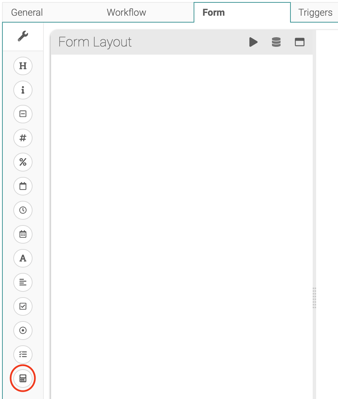
Drag a calculation field into your form.
Step 2 — Build the formula with a rounding function
Wrap your formula in round, rounddown, or roundup, depending on which way you want it to round:
Round to the nearest whole number
round([insert formula])
Example — the average of two weight readings:
round(data["weight 1"]+data["weight 2"])/2)
Round Down
Step 1 - In the calculation field, build the formula
rounddown([formula])
Example:
rounddown(data["weight 1"]+data["weight 2"]/2)
Round Up
Step 1 - In the calculation field, build the formula
roundup([formula])
Example:
roundup(data["weight 1"]+data["weight 2"]/2)