![OFS_Circle.png]](https://support.ofsystems.com/hs-fs/hubfs/OFS_Circle.png?height=45&name=OFS_Circle.png)
When your production line goes into a downtime of 90 seconds or less, OFS automatically records it as a Short Stop. Operators aren't required to assign a downtime reason to these, though they can if they want to — by finding the stop in the Unallocated Events registry.
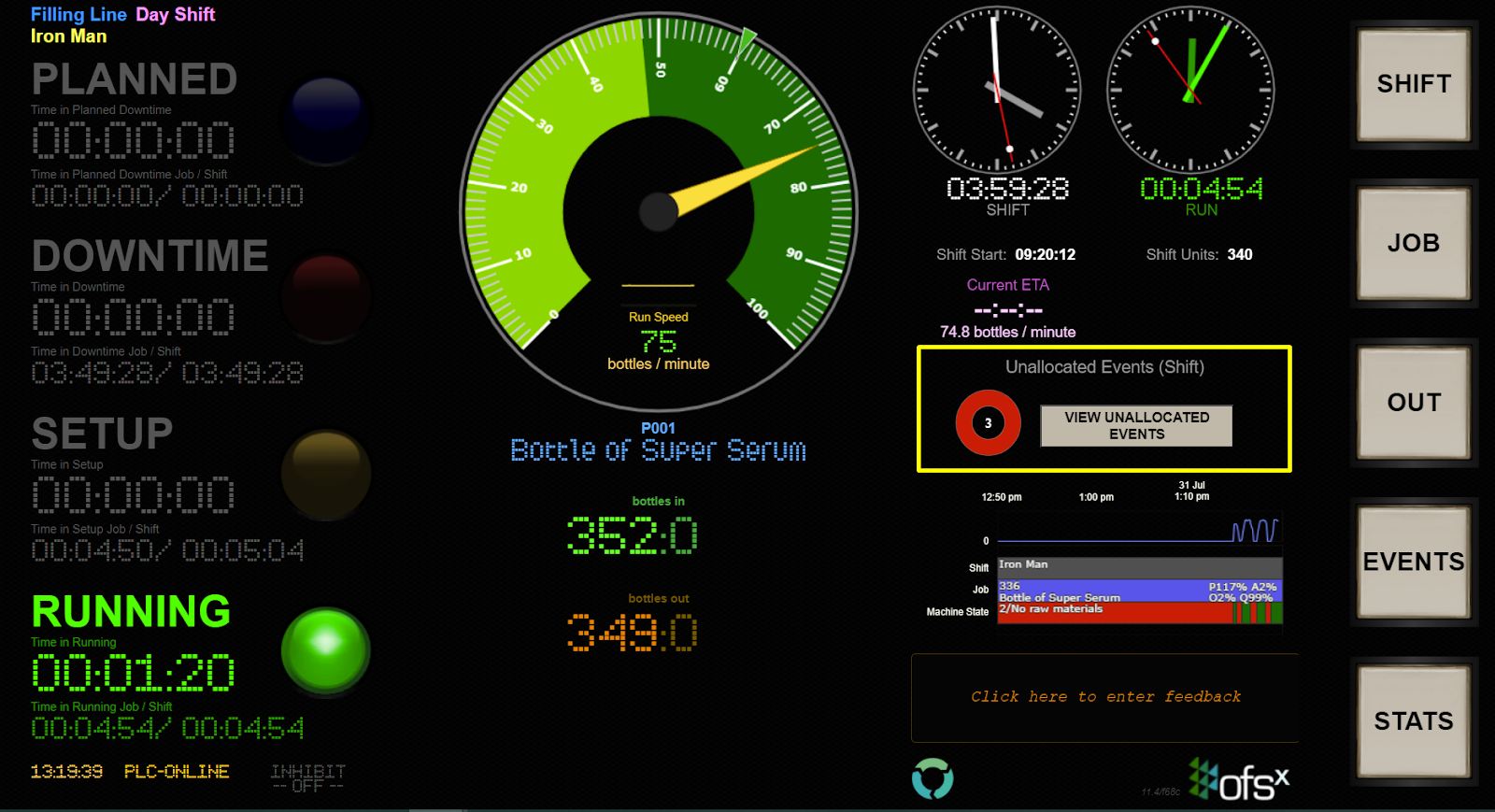
If you'd rather not see Short Stops listed in the Unallocated Events registry, OFS can remove them from view.
Note: the data is still collected and remains available in Analytics reports.

To remove Short Stops from the Unallocated Events wheel, raise a request with the OFS Service Desk.